
Usenet stands for Users Network. It's an open system for reading and posting messages, organized into groups. Think: a mix of a forum, a Facebook group, and a mailing list.
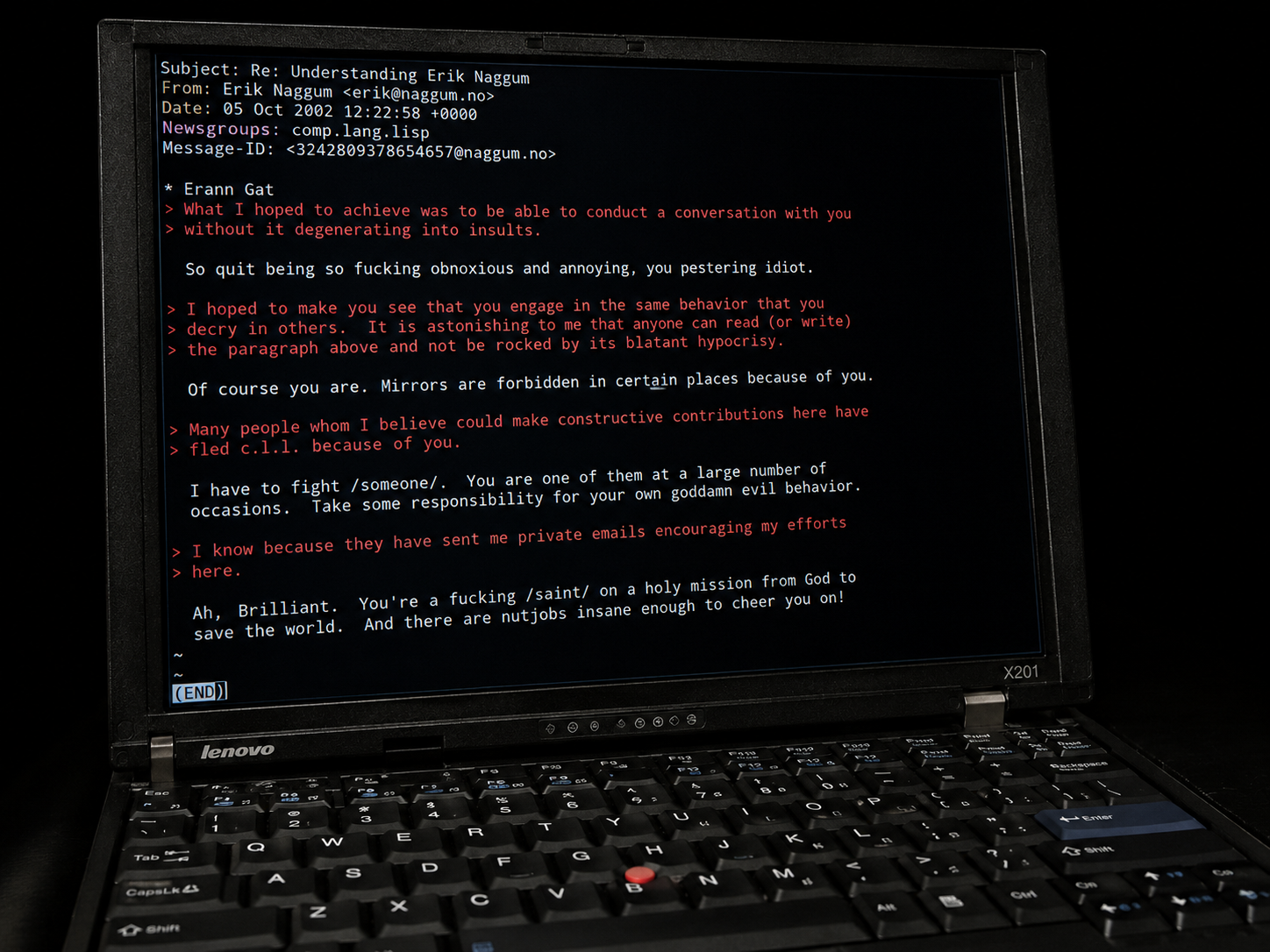
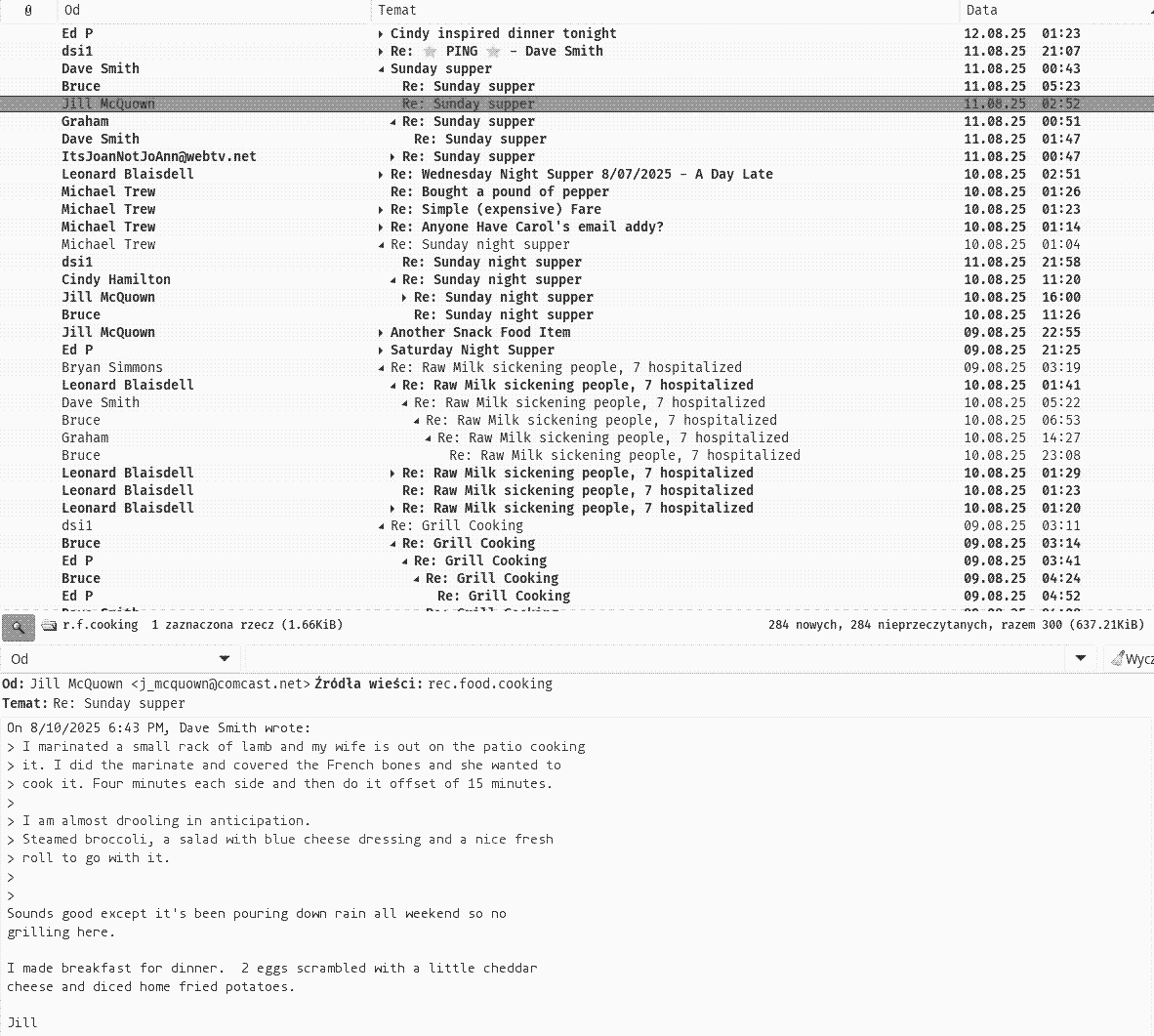
Today, Usenet is split into two worlds: text and binaries.
If you search usenet
on Google/Bing/DDG, you'll mostly see info about binaries.
Binaries usually means: paid access, multiple tools, and extra complexity.
Here, i won't not cover that warez way
of using usenet. Instead you will find information about what was and still is - classic
usenet, which is closer to what it was originally built for: discussions
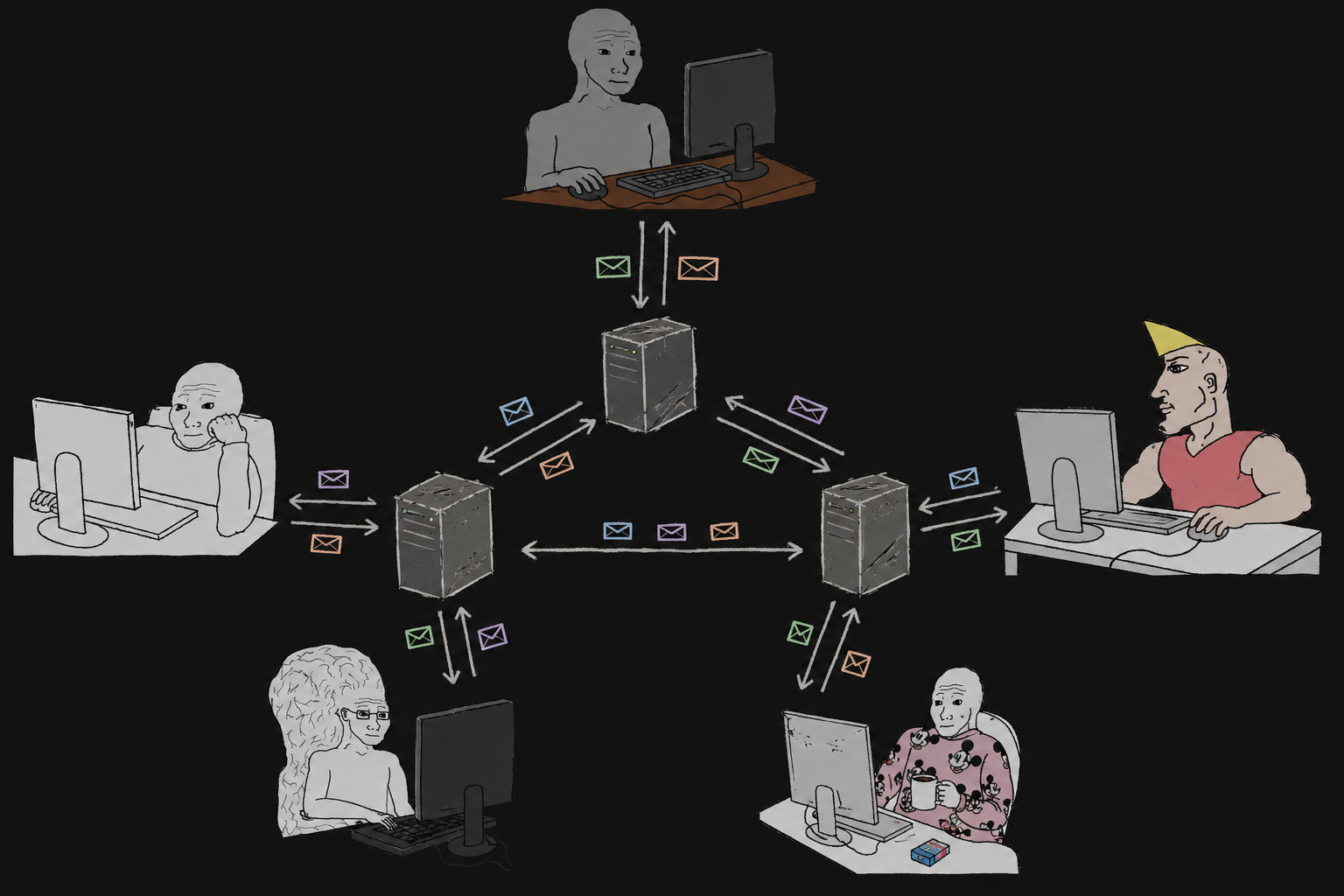
There's no central server. Usenet is fully decentralized, which makes it hard to take down. You connect to a single usenet (via NNTP protocol) server to read and post messages. That server continuously exchanges messages with other servers, so the same groups and threads are available almost everywhere.
Most Usenet servers carry roughly the same set of groups. When you post a message to one server, it is automatically replicated to other federated servers that carry that group. Over time, the post propagates across the network. From the user's perspective, connecting to just one server gives access to the shared, global discussion space.
There is no central authority or censor.
If a server consistently breaks common rules, for example by allowing mass spam, other administrators can simply stop exchanging messages with it. In practice, this kind of defederation is very rare.
You need three things:
Usenet is a federated network of discussion groups . But what does that mean?
Discussion group is like an email folder, except it is public, not private. Anyone who knows its address can read it and post messages to it:
To get started with Usenet you need to pick a server and a client for reading and posting messages — just like with email.
The similarity to an email is not a coincidence, as most email clients support Usenet access. This holds true for desktop programs, but mobile applications currently do not support Usenet. While there were several such apps in the past, none of them work on the latest Android devices, and the situation is similar on iOS.
In my opinion, Thunderbird, Claws Mail, and slrn are great choices for Usenet clients.
The paganini.bofh.team server lists as many as 48,694 groups. This doesn't mean all of them are active or of high quality. The vast majority are empty, have only one person posting, or are filled with spam.
Finding the right group can sometimes feel like looking for a needle in a haystack. It's difficult but not impossible.
The easiest way is to use statistics on the number of posts. You can find them, for example, here: https://newsgrouper.org/tops or here: http://news.chmurka.net/stats.php?json=newest.
On August 13, 2025, the daily number of posts per group looked as follows:
talk.politics.guns 242
comp.theory 173
uk.railway 102
talk.politics.misc 81
rec.arts.tv 71
news.lists.filters 65
de.etc.sprache.deutsch 62
comp.os.linux.misc 61
de.comp.os.unix.linux.misc 56
de.talk.tagesgeschehen 52
soc.culture.israel 51
de.soc.politik.misc 51
uk.legal.moderated 47
rec.food.cooking 47
comp.os.linux.advocacy 47
comp.sys.mac.advocacy 41
uk.d-i-y 38
sci.math 36
de.rec.fahrrad 31
pl.pregierz 30
pl.soc.polityka 29
misc.phone.mobile.iphone 28
de.alt.folklore.ddr 28
rec.arts.drwho 21
de.comm.software.mozilla.mailnews 21
de.test 18
de.alt.folklore.computer 18
sci.electronics.design 18
uk.current-events.terrorism 18
pl.soc.prawo 18
uk.net.news.moderation 18
rec.arts.sf.written 17
sci.med.cardiology 17
de.sci.electronics 16
pl.misc.samochody 16
de.etc.bahn.tarif+service 14
de.soc.recht.misc 13
rec.arts.sf.tv 12
misc.immigration.usa 12
uk.tech.broadcast 12
de.soc.weltanschauung.misc 12
pl.misc.militaria 12
rec.arts.startrek.current 11
comp.sys.ibm.pc.games.action 11
rec.sport.tennis 11
de.sci.mathematik 11
rec.arts.startrek.misc 10
uk.media.tv.sf.drwho 10
de.etc.haushalt 10
rec.bicycles.tech 9
de.alt.fan.pluesch 9
de.alt.talk.unmut 8
pl.misc.telefonia 8
comp.lang.c++ 8
de.talk.jokes 8
comp.misc 7
soc.culture.jewish 7
uk.legal 7
comp.arch 7
misc.news.internet.discuss 6
comp.lang.c 6
comp.mobile.ipad 6
This does not mean that posting to a low-activity group is pointless. No posts ≠ no followers; a quiet group can still have many subscribers watching.
Once you've chosen a Usenet client, the next step is to choose the right server.
In the past, most people used their ISP's server. Unfortunately, today, ISPs no longer offer additional services beyond basic internet connectivity.
slrnpull is a program used to fetch articles from selected newsgroups (yes, you can even download *all* posts from *all* groups) for later offline reading. It works best together with slrn.
After installing slrnpull, create a script which can be used e.g. in a cron job.
We assume that the directory ~/usenet exists and that you will use the server paganini.bofh.team.
#!/bin/bash

/usr/bin/mkdir -p ~/usenet/slrnpull

export NNTPSERVER=paganini.bofh.team
export NNTPSERVER_PORT=563

export SPOOLDIR=~/usenet/slrnpull/
export SLRNPULL_ROOT=~/usenet/slrnpull/
SLRNPULL_ROOT="~/usenet/slrnpull"
SLRNPULL_BIN="/usr/bin/slrnpull"

#ONION="~/.cargo/bin/oniux"

$SLRNPULL_BIN -d $SPOOLDIR --debug $SLRNPULL_ROOT/debug --kill-log $SLRNPULL_ROOT/kill_log --logfile $SLRNPULL_ROOT/log --kill-score 0

#$ONION $SLRNPULL_BIN -d $SPOOLDIR --debug $SLRNPULL_ROOT/debug --kill-log $SLRNPULL_ROOT/kill_log --logfile $SLRNPULL_ROOT/log --kill-score 0
If you want to additionally tunnel your traffic through Tor, use the option with oniux. (I've commented it out in the script above.)
Alt.Anonymous-Messages - Tom Ritter: [pdf], [mp4], [mp4 source]
Alt.Anonymous.Messages (AAM) is a simple Usenet group where the majority of posts are PGP-encrypted messages. Why not send such messages directly and use some kind of noticeboard instead?
The main reason is to eliminate metadata that could link the sender to the recipient and which can be analyzed for patterns. Downfalls of using AAM include limited adoption, the necessity of relying on remailers (although you can post such messages directly via one of many Usenet servers), and traffic correlation risks.
Despite these drawbacks, AAM avoids the weaknesses of both centralized and decentralized solutions.